Best Flutter Tools
If you want to get the most out of your experience with this incredible platform then I recommend checking out these awesome tools!
Flutter Editors
Android Studio
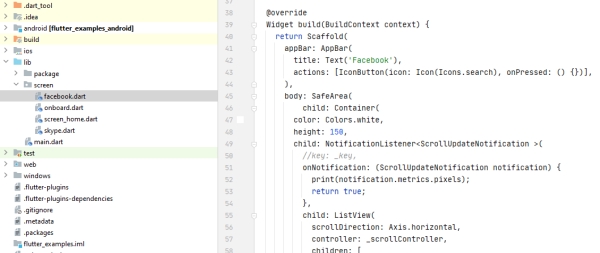
Android Studio is an IDE (Integrated Development Environment) for developing a mobile application using Dart/Flutter, Java/Kotlin or C/C++ language on Linux, macOS and Windows operating systems.
Visual Studio Code
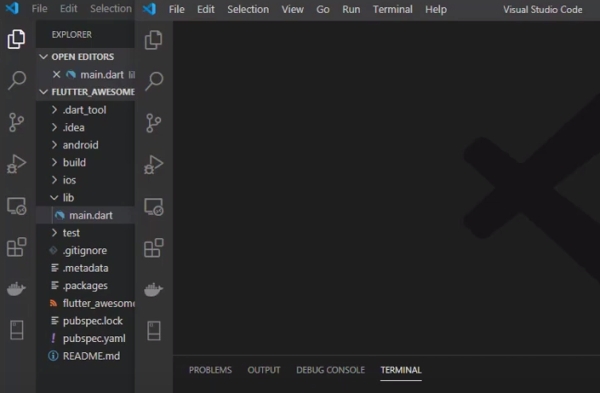
Visual Studio Code is a lightweight but powerful source code editor available on Windows, macOS and Linux. It comes with built-in Dart support including Flutter tools for mobile development which helps to build or run the app in a single click.
Online Flutter IDEs
FlutLab
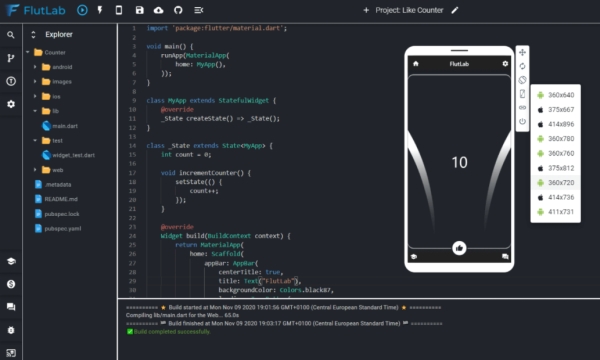
FlutLab is a browser-based Flutter IDE for online usage with debugging and cross-platform execution capability. It’s the best place to build your project from start to finish when you don’t have access to IDEs like Android Studio or VS Code, no matter what type of experience it entails.
Find out what’s possible with FlutLab by playing with some of our examples on your browser. You can even collaborate in real-time with a remote coworker!
GitPod + Flutter Extension
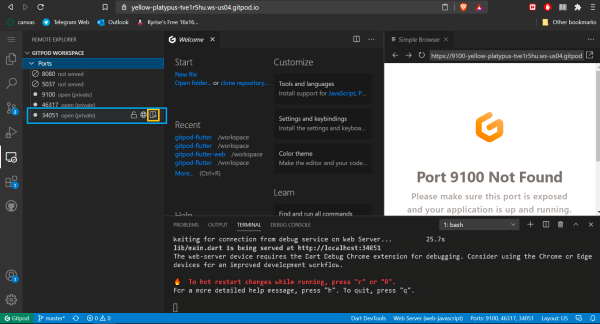
Imagine a world where you can code from anywhere, anytime, and with any device that has an internet connection. Gitpod lets you create projects in minutes and collaborate without having to upload anything to the server’s hard drive.
Gitpod Flutter is a Gitpod solution to create and test apps with Flutter when you don’t have access to necessary tools to do so.
Build Flutter Apps Visually
FlutterFlow
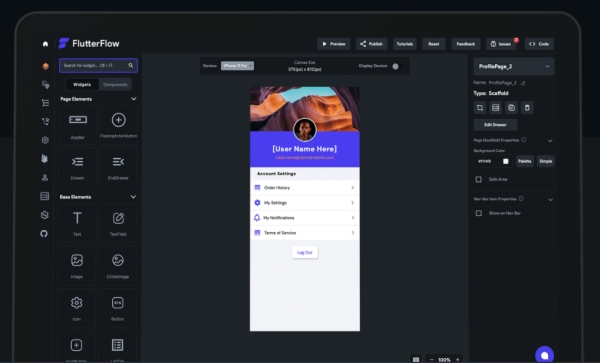
The last time you downloaded a Flutter app and nervously hoped it worked out was probably the last time you used FlutterFlow. Its drag-and-drop interface is optimized for new users, making it easy to assemble your own single screen or complex cross platform application in minutes flat without risking a programmer’s headache. But don’t let our ease of use fool you…developers who know what they’re doing can also download the respective code generated by our toolbar so that’s not an issue either! You’ll be able to deploy your app using CI/CD all from scratch.
FlutterFlow is a new and easy way to create Flutter applications. With drag-and-drop functionality, you can be sure that your app development will run smoothly. Plus, with built in integration for Firebase, pushing out updates on the fly is easier than ever!
Features:
- Can be used prebuild components from resources and customize components as per our requirements.
- Deployment can be done by CI/CD method CodeMagic.
- GitHub integration.
- Copying code of components as well as pages.
- Navigation through different pages is simply by pointing pages from on tap or other methods.
- Dynamic contents possible through connections between the app and firebase.
UIcode
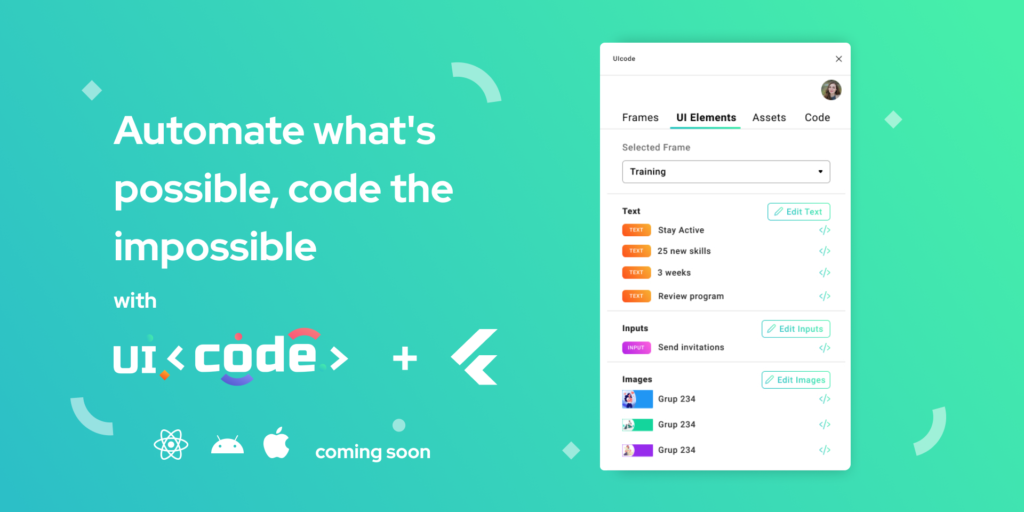
UIcode plugin generates clean code of your mobile design right inside Figma within seconds. Get ready to leave your workstation behind and get to designing on your phone using the UICode plugin for Sketch. Upload screens from Sketch, generate code for all of them at once or individually, export assets in one single zip file that’s perfectly formatted with a responsive layout, and download it to continue working – all with just one tap! You can easily complete screens faster because this time-saving product does the hard work. Get started today by downloading the UICode plugin now.
Features:
- Generate code for all screens at once or for each screen individually
- Export all your design assets as a well-organized archive
- Get clean Flutter code perfect to continue building on it
- Your code automatically includes a responsive design
- Download the code within seconds
- Speed up your design handoff
- Finish and launch your mobile app much sooner
Cabina
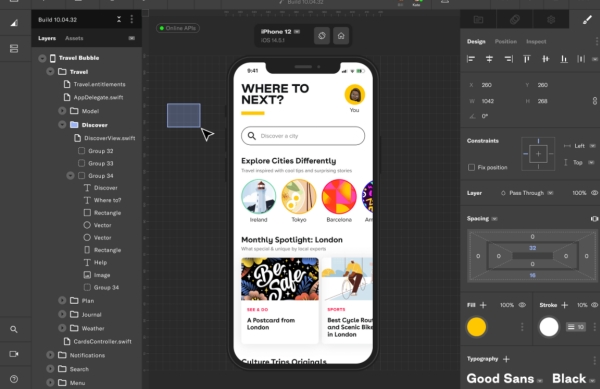
Cabina lets you build interactive mobile prototypes as simply as filling in shapes. With Cabina, you can have your own original design without writing any code by using our simple drag-and-drop interface to create kawaii graphics and animations that work on web browsers without downloading any new software or leaving your browser window (literally no file saving necessary). It’s got all the flexibility and precision of power design apps with none of the complexity or hassle.
FigmaToFlutter
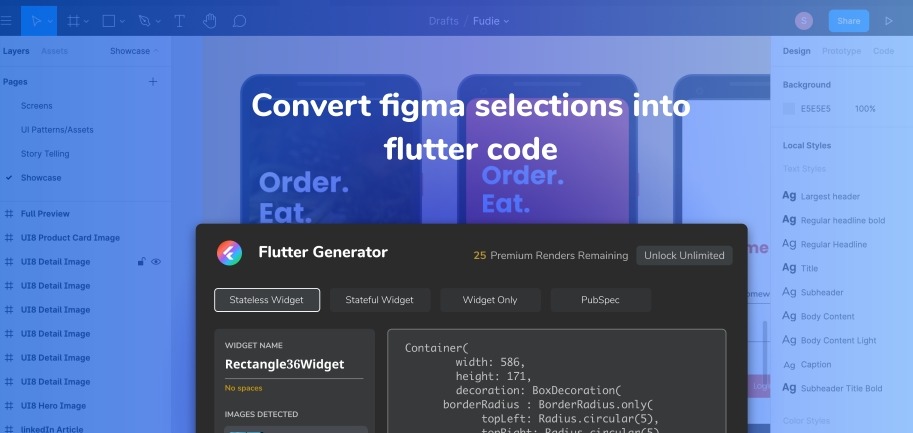
FigmaToFlutter is an easy-to-use Figma plugin that converts Figma elements to Flutter. It requires no knowledge of code that we provide a simple, yet complex tool for design and development. Install the plugin here and convert your next project faster than ever before!
We know creating widgets from UI layout is hard work. But this Flutter generator does all the heavy lifting for you with one-to-one conversion of what you select in Figma to Flutter code, so all you need to do is cut and paste!
Features:
- Rectangles/Ovals/Lines (Basic shapes)
- Solid colors
- Images (AssetImage, Container Backgrounds)
- Google fonts generation
- Pubspec code snippet for third party dependencies
Adobe XD to Flutter
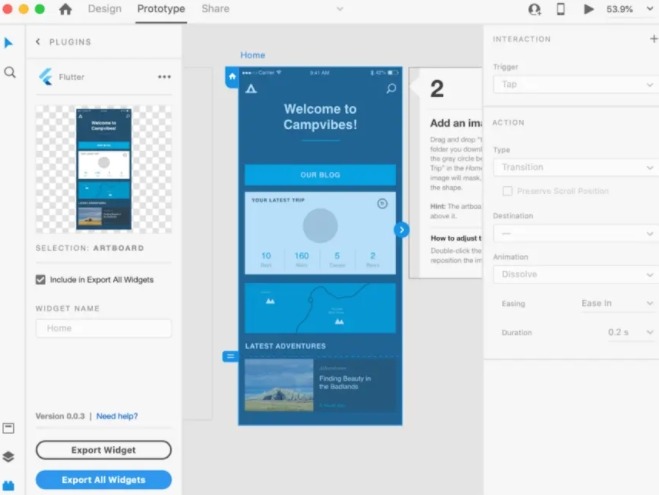
Adobe XD is an excellent tool for UI design with powerful wireframing, prototyping, and development tools. But what do you do when you want to build your app’s view hierarchy from Adobe XD?
The XD to Flutter plugin is a powerful tool so you can export your stunning Adobe XD designs and clean, functional code for the mobile app platform, Flutter. With this plugin, you can copy code for specific visual elements in your design, or even entire views! It’s an easy-to-use tool that anyone who creates digital prototypes with Adobe XD will love.
widgetbook
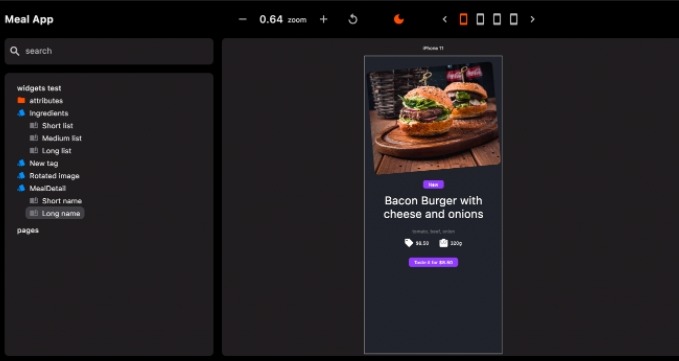
widgetbook is package which helps developers create widgets with adjustable properties visually. With this package, Flutter developers can test widgets quickly on multiple devices and themes, and share them with designers and clients.
Mornach
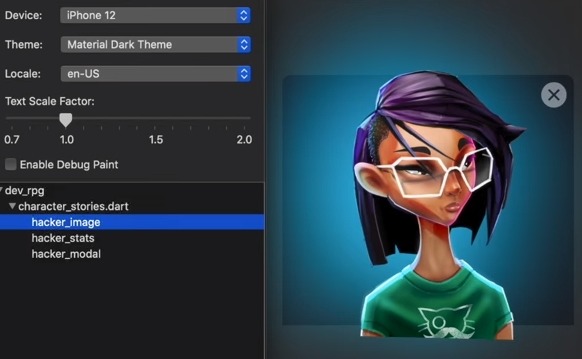
Monarch empowers Flutter developers with even more power to build beautiful mobile apps right away. It gets rid of the need to manually adjust variables, rebuild the app or use other tedious steps with code tweaking. And Monarch helps you get your products front-and-center faster than any other solution on the market—delivering results that speak for themselves.
Icon
FlutterIcon
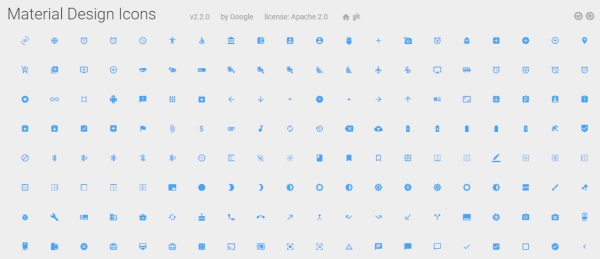
FlutterIcon is a collection of icons which can be used in any Flutter apps. It supports many popular font icons, including Material Design, Iconic, FontAwesome, Meteocons, MFG Labs, Maki, Zocial, and more.